
APPLICATION GUIDE
Asset & equipment tracking
Select identification formats around the surfaces, service conditions and maintenance workflows of your equipment.
Discuss your applicationFROM REQUIREMENT TO PILOT
A practical path
to selection.
These planning steps help define a project. Suitability and performance must be confirmed with the chosen hardware, software and final installation.
- 01
Define the workflow
Group assets by mounting surface and environment. Separate metal equipment, plastic housings and movable containers instead of assuming one tag fits every asset.
- 02
Understand the conditions
Define each read event. Decide whether the operator intentionally scans one asset or a fixed reader captures movement through a defined zone.
- 03
Build the specification
Select a mounting location. Check space, curvature, exposure to damage and whether maintenance staff can replace the tag without disturbing the equipment.
- 04
Validate in practice
Validate before rollout. Test normal and difficult orientations, attachment durability and the process for reconciling physical assets with software records.
EXPLORE THE FORMATS
Categories to consider.
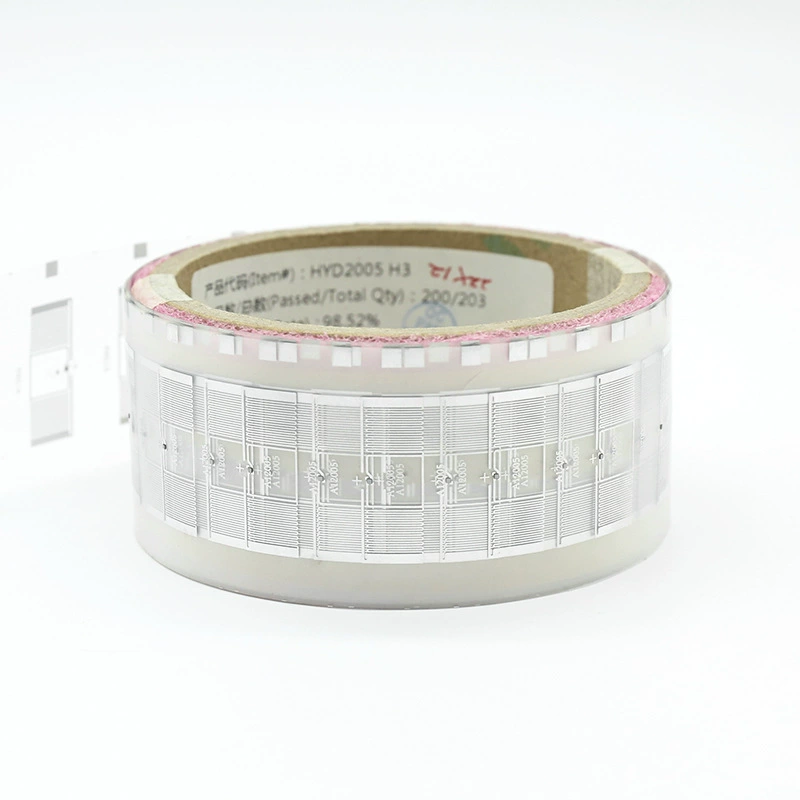
UHF Labels & Inlays
Start with the right label format for inventory, apparel and logistics workflows.
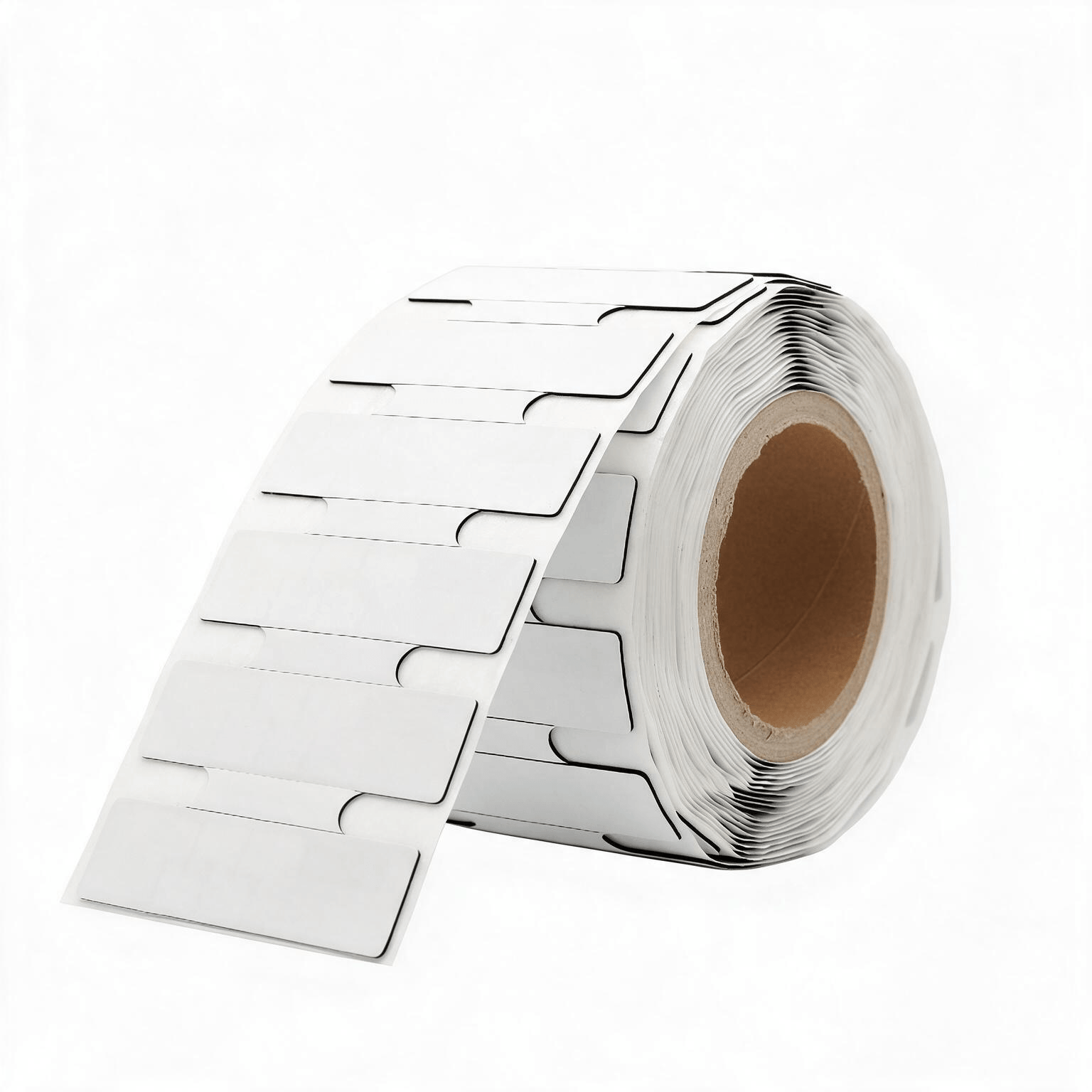
On-metal Tags
Evaluate purpose-designed RFID constructions for metal equipment, tools and returnable assets.
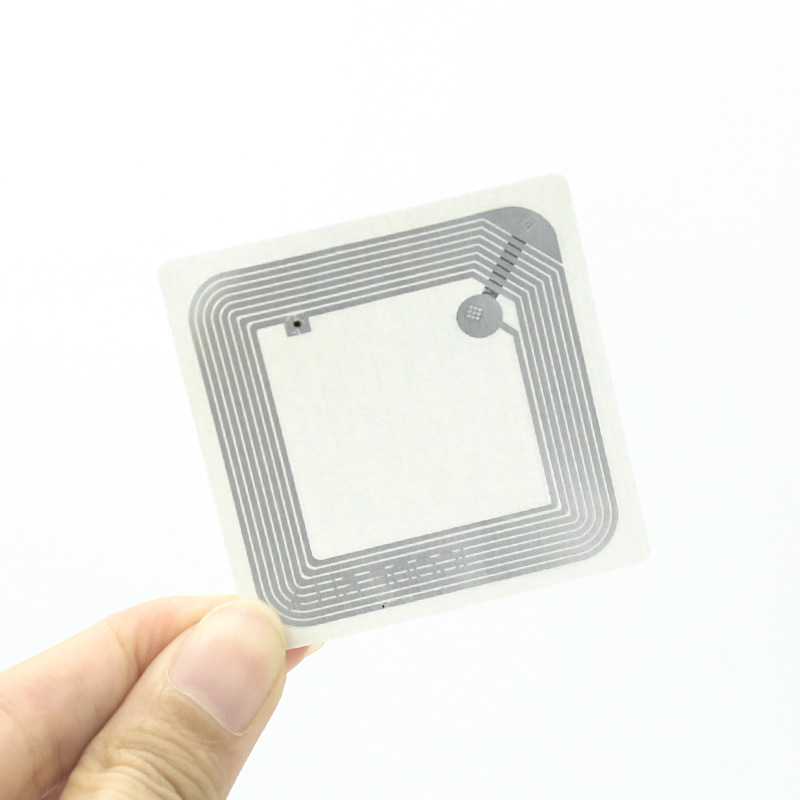
Industrial Tags
Build a tag specification around the real operating conditions of industrial assets.
MAKE YOUR NEXT STEP USEFUL
Start with a clear brief.
Use the quotation checklist to gather your reader details, mounting conditions and sample requirements.